
DINSDALE APEX / BIOMEDICAL ENGINEERING
BMET service work. Less admin from test to report.
For companies delivering biomedical equipment testing, calibration and maintenance. Prepare the asset data before the visit, capture results at the device and move the same record through review, approval and customer delivery.
- Offline field working
- Prepared asset data
- Reading warnings
- Review and sign-off
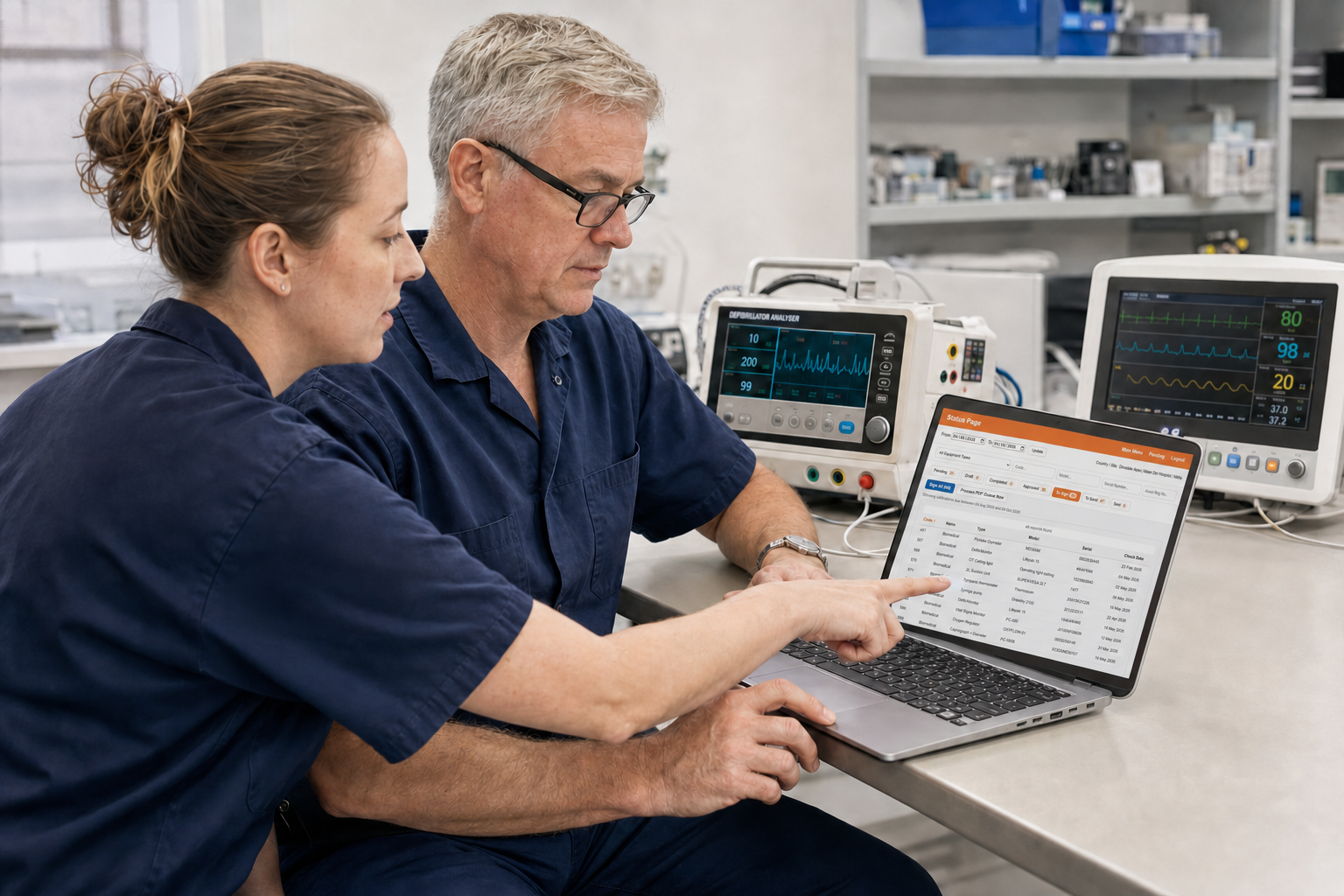
Powered by Dinsdale Apex — the controlled forms, testing and evidence layer within Dinsdale Arc. It can stand alone or connect to the systems already used to plan and report the work.
Explore Dinsdale ApexOne record, from preparation to delivery
The record moves through the work. People add, check and approve what their role requires without recreating it in a second form or spreadsheet.
- 01
Prepare
Import the relevant asset data and issue the right forms before the engineer travels.
- 02
Perform
Complete the test at the device, including readings, notes, photographs and signatures.
- 03
Review
Bring exceptions and unusual readings to the right reviewer without repeating the entry.
- 04
Deliver
Produce the approved record and retain the evidence against the equipment history.
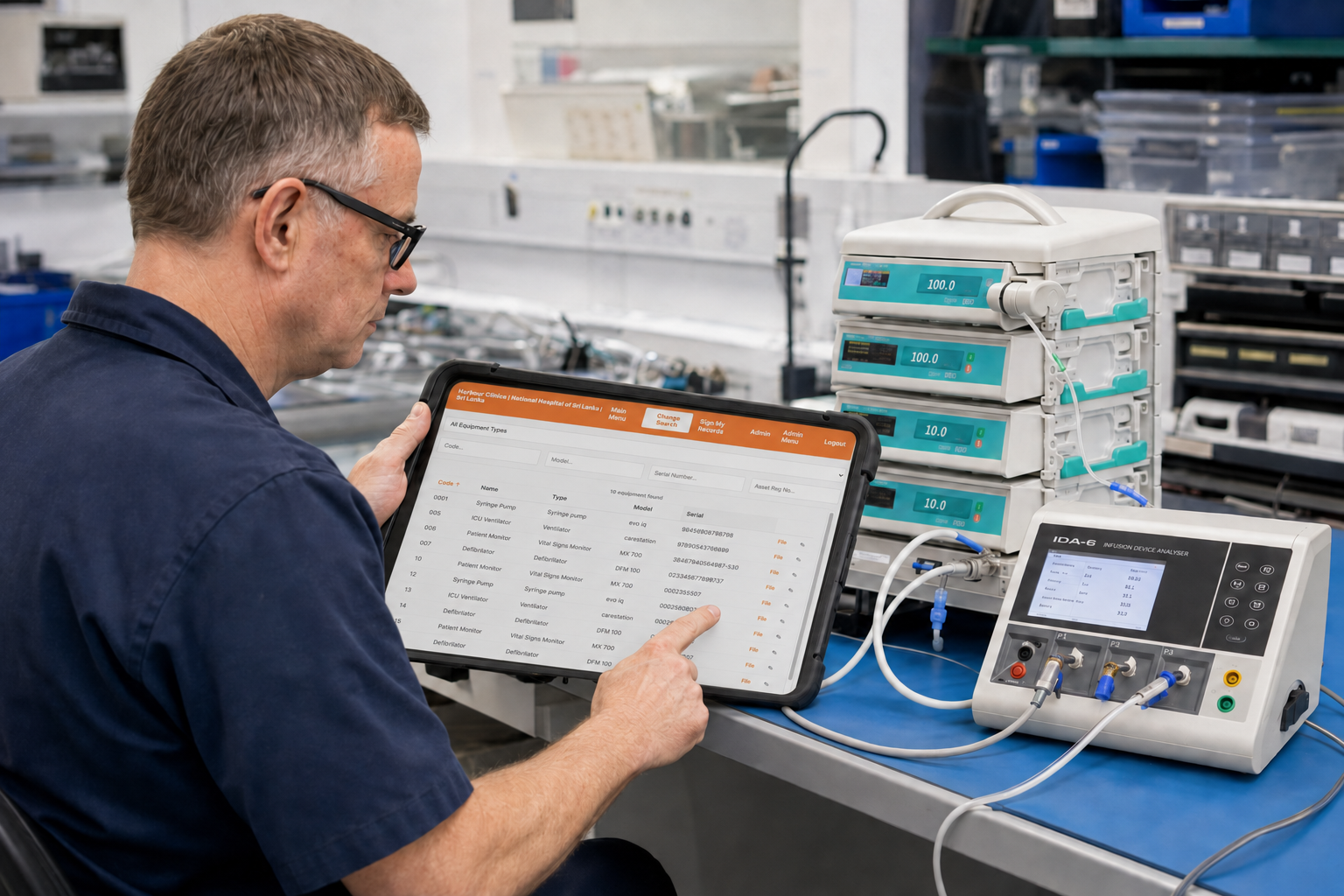
Catch exceptions while the engineer is there
The useful moment to find a missing field or unusual reading is beside the device, not when an administrator opens the record later. Apex can guide the selected test, show configured warnings and keep the item in review until the exception is resolved.
Limits, templates and approval rules are configured for the agreed process. They support qualified people rather than replacing their judgement.
Designed around the work, not a generic form
The same platform can support different device classes, test equipment and client output without making every engineer navigate every possible field.
Work without dependable Wi-Fi
Assigned work, templates and asset details can be available before site. Completed records synchronise when connectivity returns.
Start with the data you already hold
Import client or estate data into the relevant records so engineers begin with a prepared form, not a copying exercise.
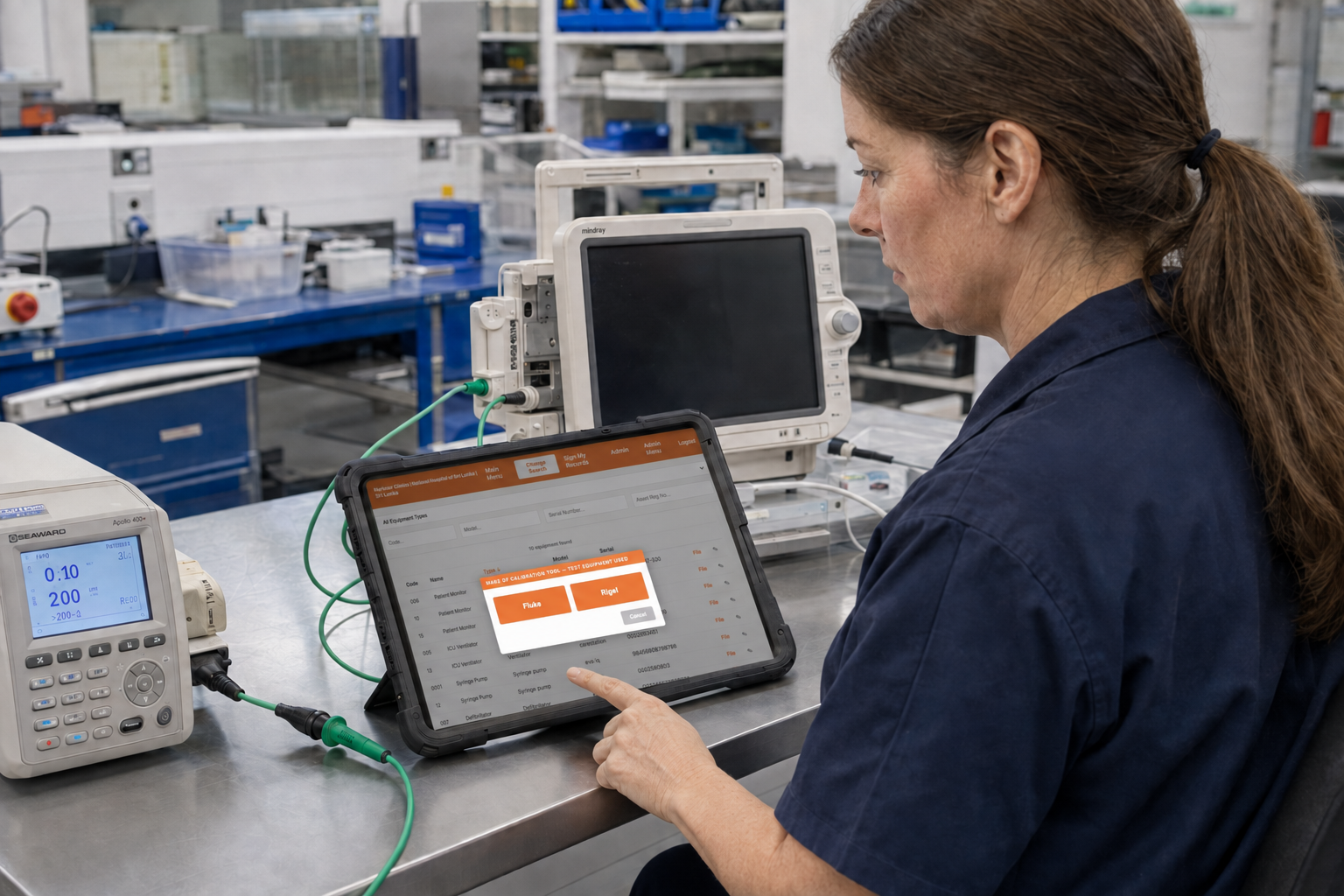
Use the right test equipment
Select the appropriate analyser and associated template for the item rather than forcing every device through one fixed route.
Flag readings at the point of test
Configured limits make unusual readings visible while the equipment is still in front of the engineer and can be checked.
Keep the final record relevant
Only the standards, checks and evidence that apply to the selected work need to appear in the finished output.
Retain review and sign-off
Status, responsibility and approval remain visible from preparation through to the locked record.
Keep control across your customers, engineers and equipment.
See which records are complete, awaiting review or ready to send. Keep equipment history and test evidence together, so your office can answer customer questions without chasing engineers or searching through separate files.
- Work completed, awaiting review and ready for delivery
- Out-of-range readings and unresolved exceptions
- Equipment history with the relevant test evidence attached
- Approved records available for client or audit requests
- A traceable history of who prepared, performed, reviewed and approved the work
Common questions
- Can engineers work without a reliable connection?
- Yes. Assigned work and templates can be prepared while connected, completed offline on a laptop, and uploaded for review afterwards.
- Can existing equipment data be imported?
- Yes. The import can be mapped around the source data you actually receive, reducing repetitive re-keying before testing starts.
- How are unusual readings handled?
- Configured parameters can flag out-of-range values immediately. The warning supports engineering judgement and review; it does not replace professional responsibility or approval.
- Does Apex replace our planning or asset system?
- Not necessarily. Apex can operate as the controlled record layer and connect to existing planning, asset or reporting systems where that is the better fit.
A PRACTICAL FIRST STEP
Start with one BMET form.
Tell us which test or reporting process takes too much administration. We’ll discuss how the asset data, field work, review and finished report could fit together. A short description is enough to start.
This is a working-session enquiry, not a commitment to a generic product demo.